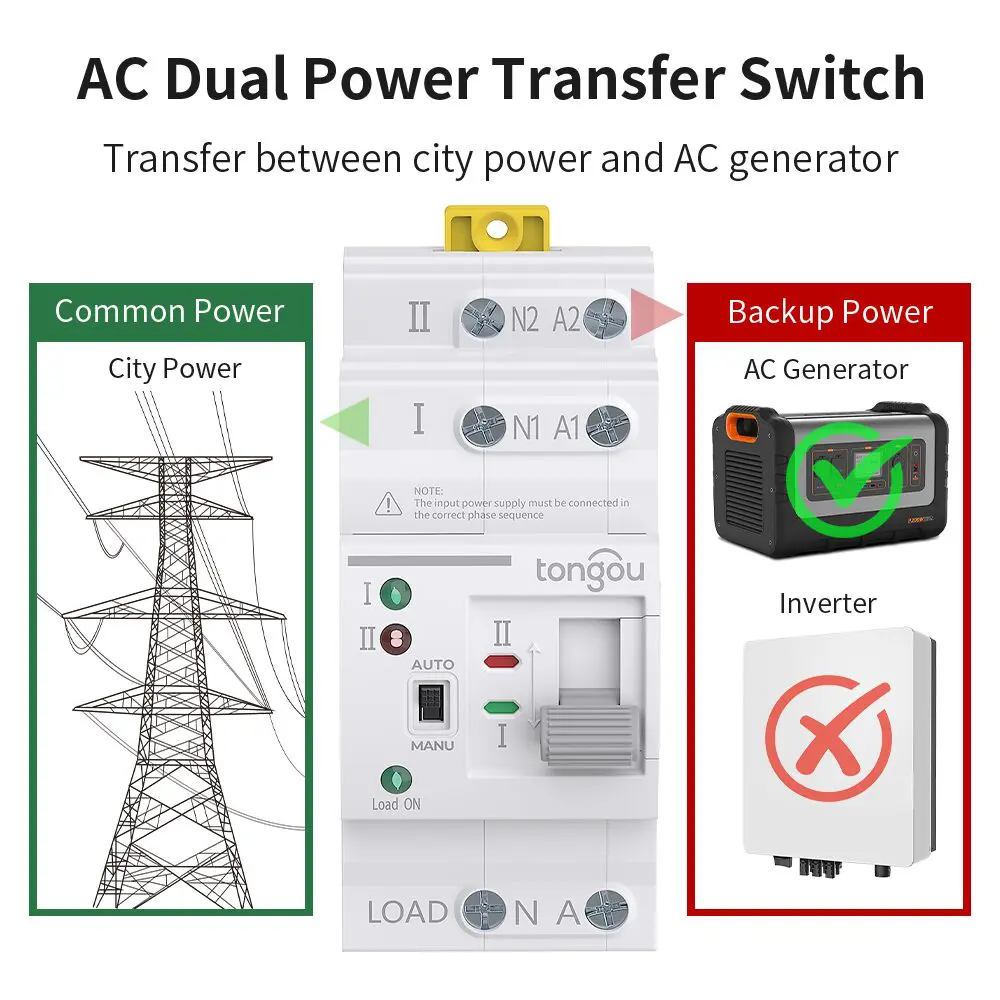
Are you looking to make your generator setup smarter and more efficient? Connecting a Generator Automatic Transfer Switch (ATS) to your smart device can transform the way you manage power at home or work.
Imagine the convenience of controlling your generator from your smartphone, keeping tabs on its status, and ensuring a seamless power supply during outages—all at your fingertips. This guide will walk you through the process, providing simple steps and insights to make this connection effortless.
You’ll discover how easy it is to enhance your energy management and gain peace of mind knowing you’re in control, no matter where you are. Dive in, and let’s get started on making your power solutions smarter and more responsive to your needs.
Credit: www.wellbots.com
Generator Ats Basics
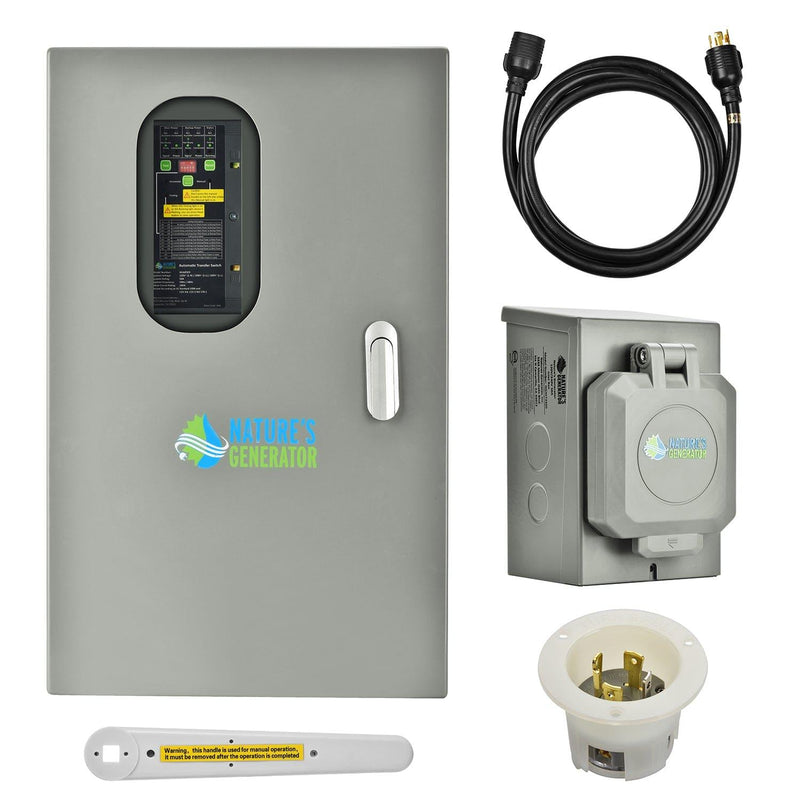
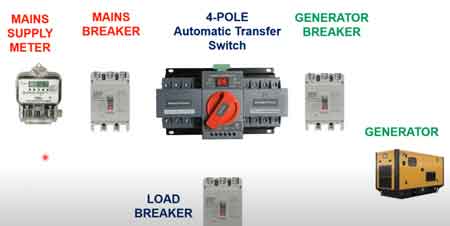
An Automatic Transfer Switch (ATS)is a device that switches power between the main source and a generator. It ensures power supply stays continuous during an outage.
There are two main types of ATS:
- Open Transition ATS:Switches power by briefly disconnecting both sources.
- Closed Transition ATS:Switches power without interruption by briefly connecting both sources.
Benefits of using an ATS include:
- Automatic power transferduring outages
- Prevents manual errorsand saves time
- Ensures safetyby isolating power sources
- Improves reliabilityof power supply
Credit: electricityforum.com
Smart Device Compatibility
Many smart deviceswork well with generator ATS systems. Common supported devices include smartphones, tablets, and some home automation hubs. These devices can easily connect to ATS units for better control and monitoring.
Connectivity options often involve Wi-Fi, Bluetooth, or Zigbee. Wi-Fi is popular for remote access, while Bluetooth offers quick local control. Zigbee is common in smart homes for stable connections.
- Wi-Fi:Connects over the internet for remote monitoring.
- Bluetooth:Short-range control from nearby devices.
- Zigbee:Works well with smart home networks.
Required apps vary by manufacturer. Usually, apps are free and easy to download from app stores. These apps allow you to monitor generator status, receive alerts, and control settings.
Preparing Your Generator
Before connecting the generator ATS to a smart device, prioritize safety. Turn off the main power supply to avoid electric shocks. Use insulated gloves and tools for protection. Make sure the area is dry and well-lit.
Identify the ATS modelto ensure compatibility with your smart device. Look for the model number and check the manufacturer’s manual for connection options. This step helps avoid damage and connection errors.
- Screwdrivers (flathead and Phillips)
- Wire strippers
- Multimeter for voltage testing
- Electrical tape
- Smart device with app installed
Gather these toolsbefore starting. Having everything ready saves time and keeps the process smooth.
Credit: www.onesto-ep.com
Connecting Ats To Smart Device
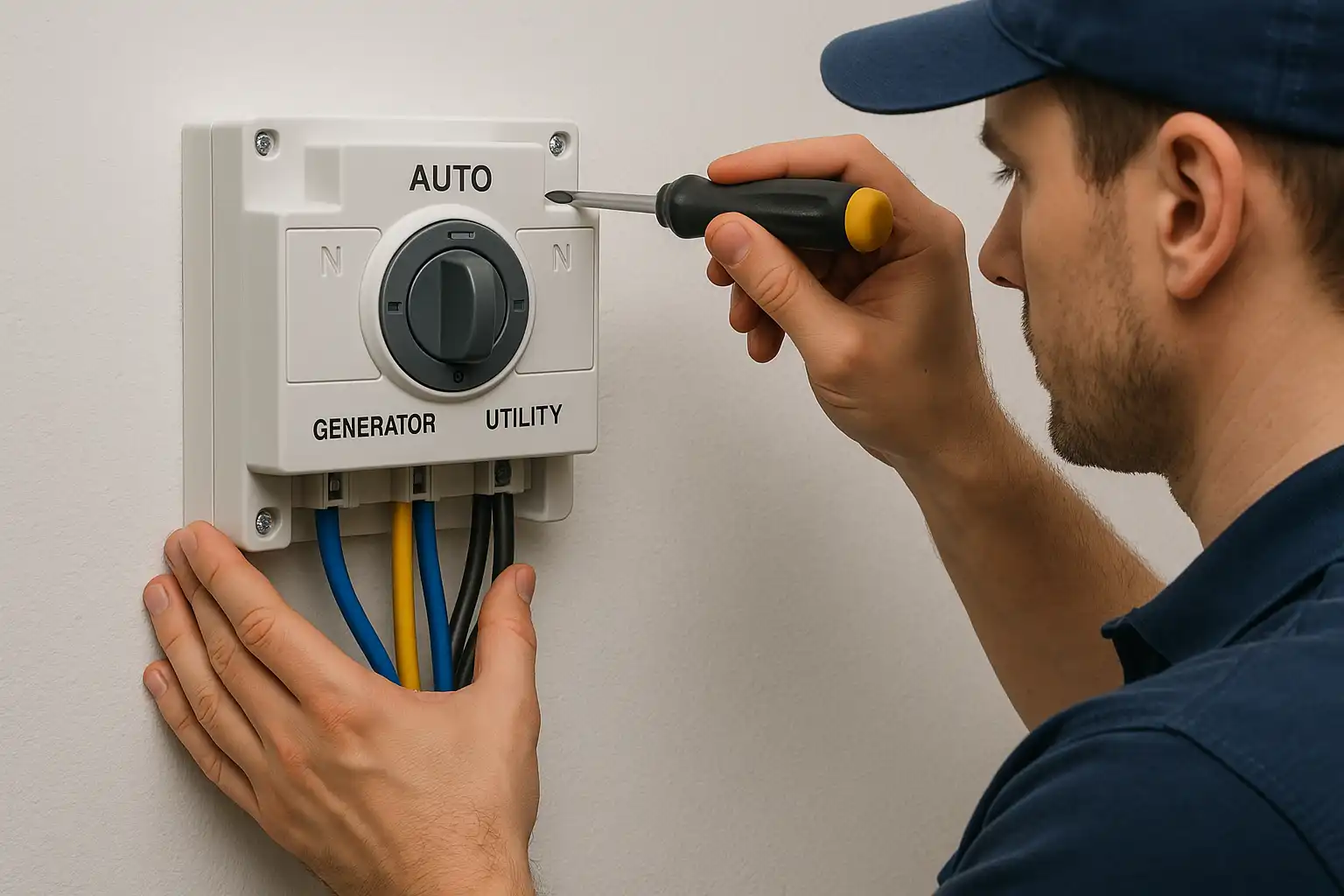
Start by turning off all power sources for safety. Connect the ATS wiring to the generator and main power supply carefully. Use labeled wires for easier identification. Ensure all connections are tight and secure. Double-check that the ground wire is properly attached to prevent electrical hazards.
Access the ATS control panel to set up network settings. Enter the IP address, subnet mask, and gateway as needed. Use simple, stable Wi-Fi or Ethernet connection. Save the settings and restart the ATS. This allows the device to communicate with your smart device smoothly.
- Download the ATS app on your smartphone or tablet.
- Turn on Bluetooth or Wi-Fi on your smart device.
- Open the app and follow the on-screen instructions.
- Select your ATS from the device list.
- Enter any required PIN or password to connect.
- Test the connection by checking ATS status in the app.
Using The Smart Device App
The smart device app allows easy monitoring of your generator’s status. You can check if the generator is running, stopped, or on standby. This helps you stay informed about power availability at all times.
Setting alerts and notificationskeeps you updated on important events. Receive alerts for low fuel, maintenance needs, or power outages. This way, you can act quickly and avoid problems.
Remote control features let you start or stop the generatorfrom your phone. Adjust settings without being near the device. This adds convenience and saves time, especially during emergencies.
Troubleshooting Tips
Connection issuesoften happen due to weak Wi-Fi signals or wrong settings. Check if the device and generator ATS are on the same network. Restart the router and the smart device to refresh the connection. Make sure the app has permission to access your network and location.
App malfunctionscan cause trouble. Clear the app cache or reinstall it to fix bugs. Check for app updates regularly. Sometimes, closing other apps helps improve performance. Keep the smart device’s software updated too.
Hardware problemsmight block proper connection. Inspect cables and connectors for damage or looseness. Confirm the ATS device is powered on and functioning. Reset the ATS unit if it stops responding. Contact support if the hardware looks faulty.
Maintenance And Updates
Regular ATS checks keep the system running smoothly. Inspect the connectionsfor any signs of wear or damage. Test the switchingbetween generator and main power to ensure it works without delays. Clean dust and dirt from the ATS to avoid malfunctions. Schedule inspections monthly or after severe weather.
Firmware updates improve ATS performance and fix bugs. Check for updates on the manufacturer’s website or app. Download and install updates carefully to avoid interruptions. Updated firmware helps the ATS communicate better with your smart device.
App updates are essential for smooth control and monitoring. Enable automatic updates or check regularly in your app store. New versions often add features or improve security. Keeping the app current ensures reliable connection with your ATS.
Frequently Asked Questions
How Do I Connect A Generator Ats To A Smart Device?
To connect a generator ATS to a smart device, use a compatible communication module. Install the module on the ATS. Then, link it via Wi-Fi or Bluetooth. Finally, configure the smart device app to monitor and control the ATS remotely.
What Smart Devices Work With Generator Ats Systems?
Most generator ATS systems work with smartphones and tablets running iOS or Android. Compatibility depends on the ATS brand and communication module. Always check the manufacturer’s app and supported devices for seamless integration and remote monitoring.
Can I Control My Generator Ats Remotely?
Yes, remote control is possible with a smart device connected to the ATS. Use the manufacturer’s app to start, stop, and monitor the generator status from anywhere. This improves convenience and quick response during power outages.
Is It Safe To Connect Ats To A Smart Device?
Connecting an ATS to a smart device is safe if you follow manufacturer instructions. Use secure Wi-Fi networks and update firmware regularly. Proper installation prevents unauthorized access and ensures reliable remote operation.
Conclusion
Connecting a generator ATS to a smart device makes power control easier. You can monitor and manage your generator from anywhere. This setup helps avoid power issues and saves time. Simple steps and the right tools lead to success. Stay safe by following instructions carefully.
Technology can improve your home or work power system. Try it today and enjoy smarter power management.