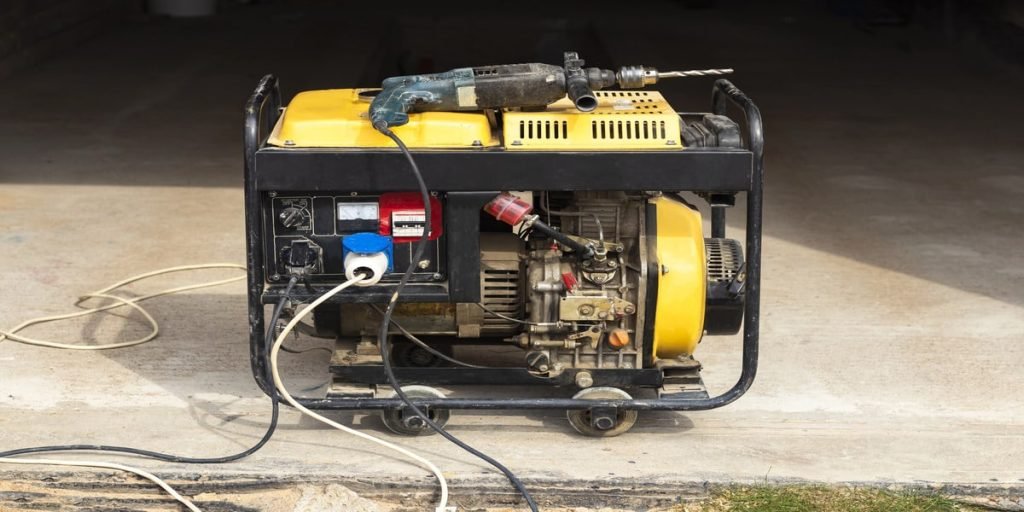
Maintaining your generator’s electrical connections is crucial to ensure its optimal performance and longevity. You rely on your generator to keep the lights on and your devices running, especially during unexpected power outages.
But what happens if your generator fails you at the most inconvenient time? The secret to avoiding such a nightmare lies in regular and effective maintenance. Picture this: a seamless, uninterrupted power supply, providing peace of mind and security for you and your loved ones.
This article will guide you step-by-step on how to maintain those vital electrical connections. Stick with us, and you’ll be equipped with the knowledge to keep your generator in peak condition, ensuring it’s ready when you need it most.
Safety Precautions
Wear proper Personal Protective Equipment (PPE)like gloves, safety glasses, and insulated boots. These protect against electric shock and sparks. Avoid loose clothing to prevent accidents.
Always turn off and isolate powerbefore starting work. Use lockout/tagout devices to ensure the generator cannot be turned on accidentally. Test to confirm no electricity is present.
Prepare the work areaby clearing debris and ensuring good lighting. Keep tools organized and dry. Maintain a safe distance from water and flammable materials for safety.
Credit: support.generac.com
Tools And Materials Needed
Basic hand tools are essential for maintaining generator electrical connections. A screwdriver sethelps to tighten and loosen screws. Pliersassist in gripping and bending wires. Use a wrenchto secure bolts firmly. A wire stripperis important for removing insulation from wires safely.
Testing instruments check the health of connections. A multimetermeasures voltage, current, and resistance. A continuity testerhelps find broken wires. These tools ensure connections work properly and safely.
| Replacement Parts | Purpose |
|---|---|
| Electrical wires | Replace damaged or old wiring |
| Connectors | Secure and join wires |
| Fuses | Protect circuits from overload |
| Terminals | Attach wires to generator parts |
Inspecting Connections
Check all wires and connectors closely for any visible cracks, frays, or burn marks. Damaged parts can cause poor performance or safety risks.
Make sure every connection is tight. Loose connections can lead to sparkingor power loss. Use a screwdriver or wrench to gently tighten bolts and screws.
Look for any corrosionor ruston metal parts. Corrosion stops electricity flow and weakens connections. Clean corroded areas with a wire brush or sandpaper and apply protective grease to prevent future damage.
Cleaning Electrical Contacts
Electrical contacts must be free of dirtand debristo work well. Use a soft brush or cloth to gently clean the surfaces. Avoid using sharp tools that can damage the contacts.
Contact cleaners help remove grease and grime effectively. Choose a cleaner made for electrical parts. Spray the cleaner on the contacts and let it dry fully before reconnecting.
- Keep the area dry to stop moisture buildup.
- Use silica gel packs or moisture absorbers near the generator.
- Seal openings to prevent water from entering the connection points.
Tightening And Securing
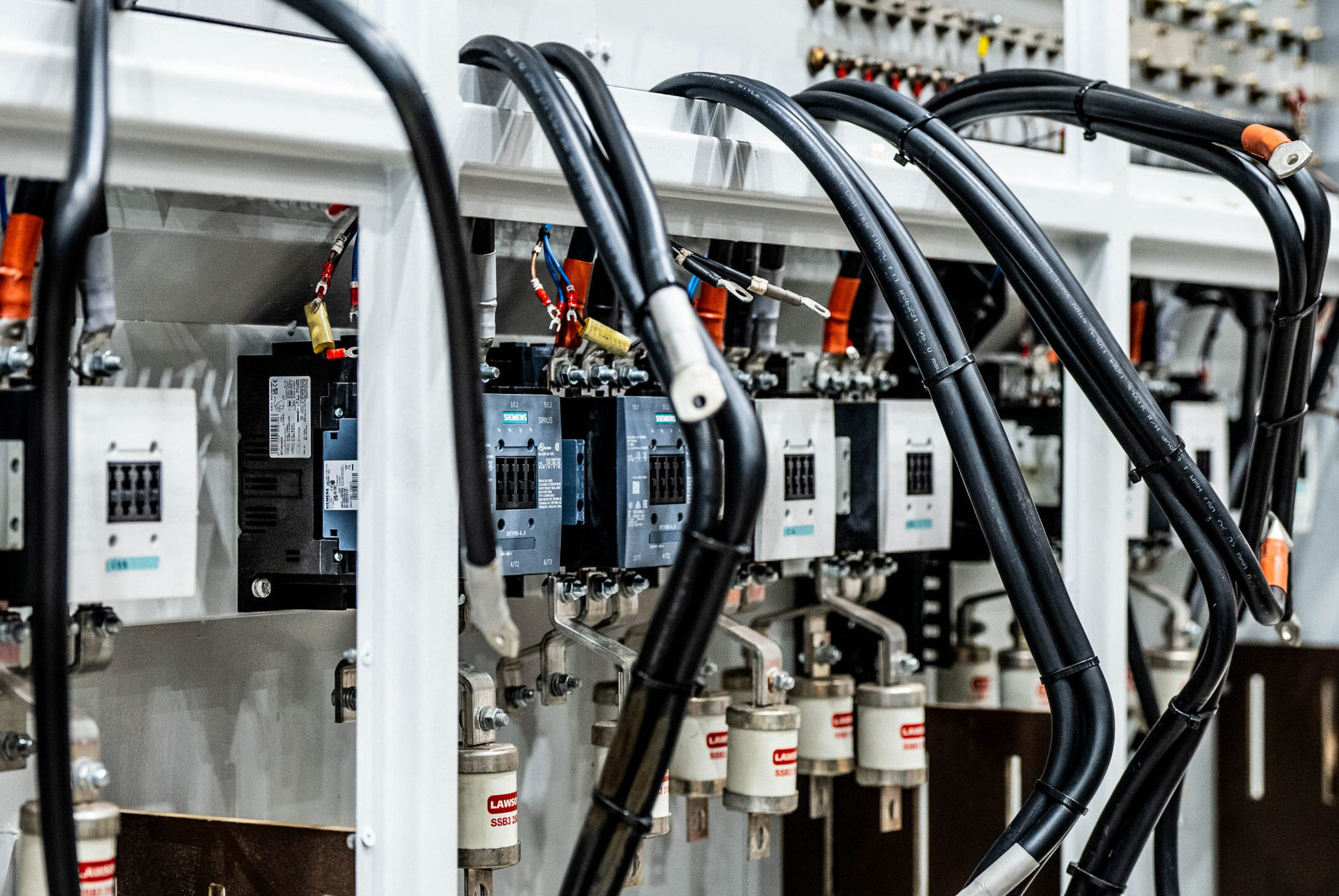
Proper torqueis crucial for safe and stable generator connections. Tighten bolts just enough to hold parts firmly without damage. Use a torque wrench to apply the correct force. This prevents loose connections and electrical faults.
Locking deviceslike lock washers or thread lockers stop bolts from loosening over time. They keep connections secure even with vibrations or changes in temperature. Always install locking devices as needed for extra safety.
Avoid over-tighteningto protect threads and parts from breaking. Over-tightening can cause cracks or strip bolts, leading to failures. Stop tightening once the proper torque is reached. Use tools designed for torque control to avoid mistakes.
Credit: pleavinpower.co.uk
Testing Connections
Continuity testingchecks if electrical connections are complete. Use a multimeter to test wires and terminals. A beep or low resistance means good connection. No sound or high resistance means a break.
Voltage and load checksensure the generator works under normal conditions. Measure voltage output while the generator runs. Use a load tester to simulate real power use. Voltage should stay steady without drops.
Detecting faults earlyhelps prevent big problems. Look for signs like corrosion, loose wires, or burnt smells. Test connections regularly, especially after heavy use or storms. Early fixes save time and money.
Routine Maintenance Schedule
Routine maintenance of generator electrical connections keeps the system safe and working well. Checking connections often helps avoid big problems.
Frequency Recommendations
- Inspect connections every 3 months for wear and tightness.
- Clean corrosion or dirt from terminals during each check.
- Test voltage and current flow every 6 months.
- Replace worn wires or connectors immediately.
Record Keeping
Keep a simple log of all inspections and repairs. Note the date, what was done, and any parts replaced. This helps track the generator’s health over time and plan future checks.
Signs For Immediate Attention
| Sign | What It Means |
|---|---|
| Burning smell | Possible overheating or short circuit |
| Loose connections | Can cause sparks or power loss |
| Corroded terminals | Poor electrical contact, risk of failure |
| Unusual noises | May indicate internal damage |

Credit: www.premium-electric.ca
Common Issues And Fixes
Loose wires and corrosion often cause generator connection problems. Tightening connections and cleaning contacts help restore proper function quickly. Regular checks prevent faults and ensure steady power supply.
Loose Connections
Loose connections can cause the generator to stop working or work poorly. Check all nuts and bolts to ensure they are tight. Use a wrench to tighten any loose parts. Loose wires may also cause sparks or heat, which is unsafe. Make sure wires are firmly connected and not moving.
Corroded Terminals
Terminals can get rusty or dirty over time. This stops electricity from flowing well. Clean terminals with a wire brush or sandpaper. Use a mix of baking soda and water to remove corrosion safely. After cleaning, dry the terminals and apply a thin layer of petroleum jelly to stop rust from coming back.
Damaged Wiring
Check wires for cracks, cuts, or burns. Damaged wires can cause shorts or fire risks. Replace any wires that look worn out. Make sure new wires are the right size and type for the generator. Use electrical tape or wire connectors to fix small wire issues safely.
Frequently Asked Questions
How Often Should I Inspect Generator Electrical Connections?
Inspect generator electrical connections every six months or after heavy usage. Regular checks prevent corrosion, loose wires, and potential failures.
What Tools Are Needed For Maintaining Generator Connections?
Use insulated screwdrivers, wire strippers, multimeter, and contact cleaner. These tools help ensure safe, effective cleaning and tightening of connections.
How Do I Clean Generator Electrical Connections Safely?
Turn off the generator and disconnect power. Use a contact cleaner and a soft brush to remove dirt and corrosion gently.
Why Is Tightening Generator Connections Important?
Loose connections cause overheating and power loss. Tightening prevents electrical faults, improves efficiency, and extends the generator’s lifespan.
Conclusion
Regularly check your generator’s electrical connections for safety. Tighten loose wires and clean any dirt or corrosion. Keep the area dry to prevent damage. Use the right tools to avoid injury or mistakes. Simple steps protect your generator and keep it working well.
Small efforts save you from costly repairs later. Stay safe and keep your power steady.