Ever been frustrated trying to start your wireless generator remotely, only to find it refusing to cooperate? You’re not alone.
Keeping your wireless generator remote start in top shape is crucial for those times when you need power on the fly. Imagine the peace of mind that comes with knowing your generator will start with just a click, no matter where you are.
In this guide, we’ll delve into simple and effective ways to maintain this essential feature. We’ll show you how a few easy tweaks can save you from stress and ensure your generator is always ready when you need it most. Ready to unlock the secrets to hassle-free remote starts? Let’s dive in!
Credit: www.championpowerequipment.com
Wireless Generator Remote Start Basics
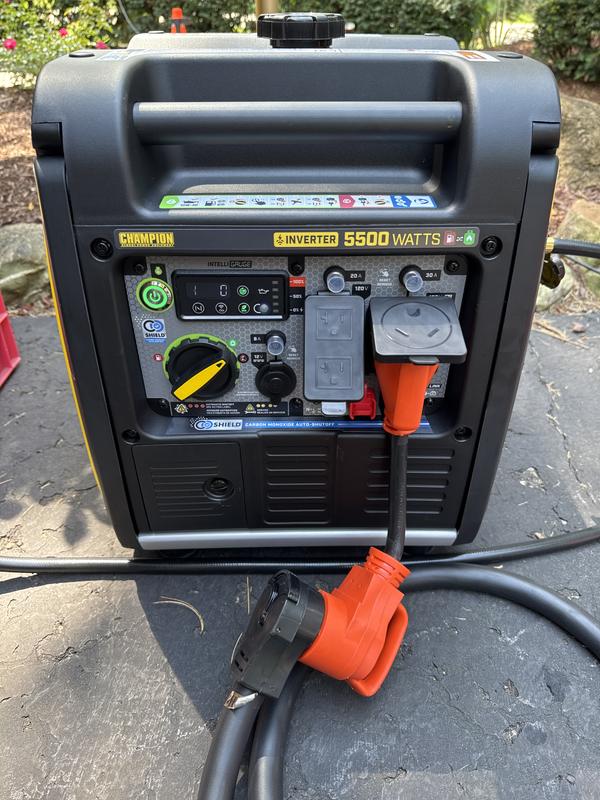
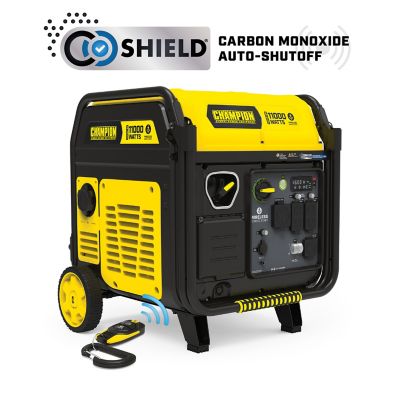
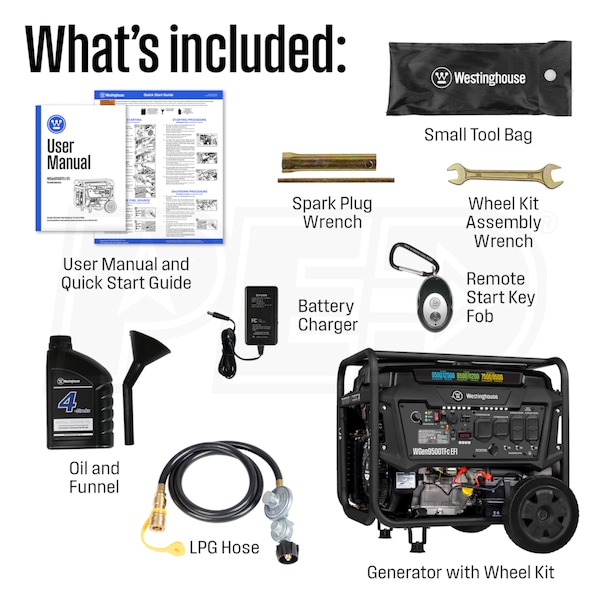
The key componentsof a wireless generator remote start include the remote control, receiver, and the generator’s control panel. The remote controlsends a wireless signal to the receiver. The receiveris attached to the generator and receives commands from the remote. The control panelon the generator processes these signals to start or stop the engine.
How it works:Pressing the remote button sends a signal to the receiver. The receiver then activates the starter motor in the generator. This allows the generator to start without needing to be near it. The system uses radio waves to communicate, so no wires are needed. This makes starting the generator easy and safe from a distance.
Credit: www.tractorsupply.com
Routine Maintenance Checks
Check the batteryin the remote regularly. Replace it if the power is low. A weak battery causes poor performance.
Test the signal rangeby moving the remote far from the generator. Make sure it still starts the generator from a good distance. Walls and other objects can block the signal.
Keep the remote and receiverclean. Wipe them with a soft, dry cloth. Dirt and dust can stop buttons from working well.
- Replace remote battery every 6 to 12 months
- Check signal range before each use
- Clean remote and receiver monthly
Troubleshooting Common Issues
Connection problemsoften cause wireless generator remote start issues. Check if the remote has fresh batteries. Weak batteries can stop signals from reaching the generator. Make sure the remote is within the correct range. Walls or large objects can block signals.
Remote not respondingmight mean the remote and receiver are not paired. Try re-pairing them following the user manual. Dirt or moisture on the remote can also cause problems. Clean the remote gently with a dry cloth.
Interference sourcescan stop the remote from working well. Devices like Wi-Fi routers, cordless phones, or microwaves may cause interference. Move the generator or remote away from such devices. Keep the area clear of metal objects that reflect signals.
Credit: www.electricgeneratorsdirect.com
Enhancing Performance
Upgrading remote batterieskeeps your wireless generator remote start working well. Use fresh, high-quality batteries for longer life. Check battery contacts for dirt or rust and clean them gently if needed. Replace batteries every 6 to 12 months to avoid sudden failures.
Optimizing placementof the remote and generator matters a lot. Keep the remote close to the generator to ensure a strong signal. Avoid metal objects or walls between them that can block the signal. Store the remote in a dry place to prevent damage.
Firmware updatesimprove the remote’s functions and fix bugs. Check the manufacturer’s website for updates regularly. Follow simple instructions to install updates safely. Updated firmware helps keep your remote start system reliable and responsive.
Safety Tips For Wireless Start
Preventing accidental startsis very important for safety. Keep the remote control away from children and pets. Always check the area around the generator before starting it. Make sure no one is near the generator. Avoid carrying the remote in your pocket or bag where buttons can be pressed by mistake. Turn off the remote when not in use to stop unintentional starts.
Emergency shutdown proceduresmust be clear and easy to follow. Know the location of the manual shutdown switch on the generator. Use the remote to stop the generator immediately if needed. Keep the generator area free from obstacles so you can reach the switch quickly. Practice shutdown steps with your family or team to avoid confusion during emergencies.
Frequently Asked Questions
How Often Should I Test My Wireless Generator Remote Start?
Test your remote start monthly to ensure proper functionality. Regular checks prevent unexpected failures during power outages. This keeps the generator ready and responsive when needed.
What Maintenance Is Needed For Wireless Generator Remotes?
Keep the remote clean and dry. Replace batteries annually or when performance drops. Avoid exposure to extreme temperatures to prolong remote life.
Can Signal Interference Affect Wireless Generator Remote Start?
Yes, wireless signals can be disrupted by walls, metal, and electronics. Keep the remote within recommended range and avoid obstacles for reliable operation.
How Do I Troubleshoot A Non-working Wireless Generator Remote?
Check battery power first. Ensure the remote is within range. Reset the generator and remote pairing if necessary. Consult the user manual for specific steps.
Conclusion
Maintaining your wireless generator remote start keeps it working well. Clean the device and check batteries often. Test the signal to ensure strong connection. Store the remote in a dry, safe place. Follow these steps to avoid unexpected problems. A well-kept remote saves time and stress.
Keep your generator ready for power outages. Simple care makes a big difference. Stay prepared and protect your investment.