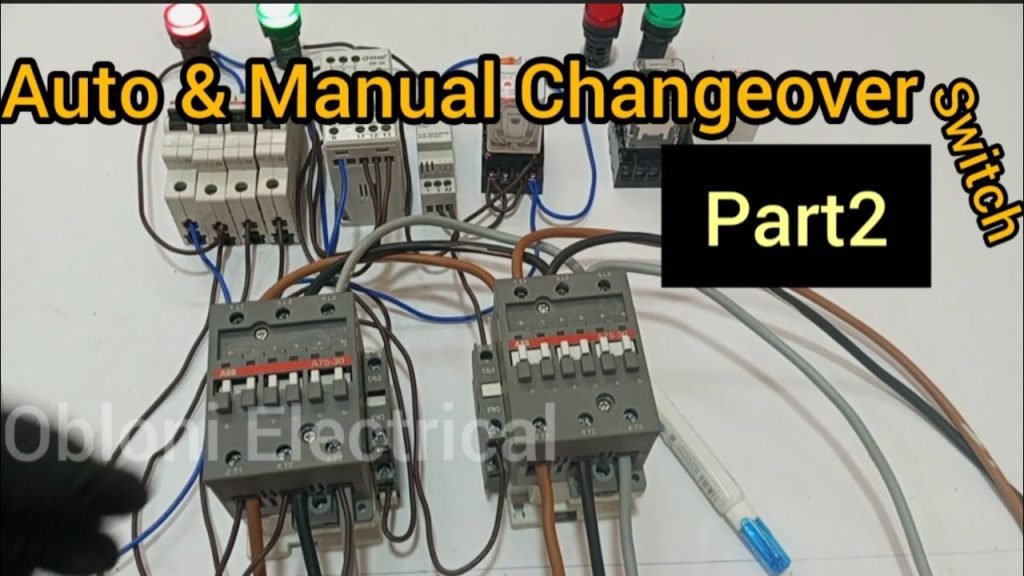
Are you looking to ensure a seamless power supply for your home or business? Learning how to program an Automatic Transfer Switch (ATS) can be your solution.
With an ATS, you can effortlessly switch between power sources, minimizing downtime and keeping operations running smoothly. Imagine never having to worry about power outages disrupting your day or business operations. In this guide, we’ll break down the process into simple steps, making it easy for you to understand and implement.
You’ll gain the confidence to handle your ATS like a pro, ensuring your power systems are always reliable. Let’s dive in and explore how you can master the programming of an Automatic Transfer Switch.
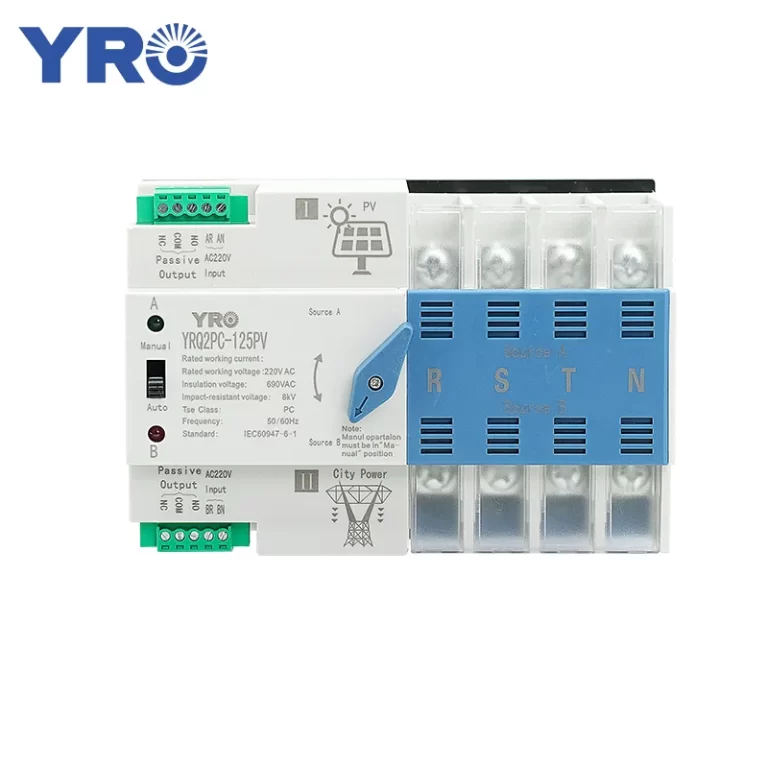
Credit: www.yroele.com
Basics Of Automatic Transfer Switch
An Automatic Transfer Switch (ATS)controls power supply between two sources. It switches from the main power to a backup generator during outages.
Key componentsinclude:
- Switch mechanism:Moves the power source connection.
- Control panel:Manages switching logic and timing.
- Sensors:Detect power failures and restoration.
- Power source inputs:Connects to utility and generator.
The ATS ensures safe, automatic power switching. It prevents back-feed and damage to equipment.
| Type | Description | Common Use |
|---|---|---|
| Open Transition | Switches off one source before connecting another. | General residential and small commercial systems. |
| Closed Transition | Allows brief overlap between sources during switching. | Critical systems needing no power interruption. |
| Delayed Transition | Waits a short time before switching to avoid quick toggling. | Systems with unstable power supply. |
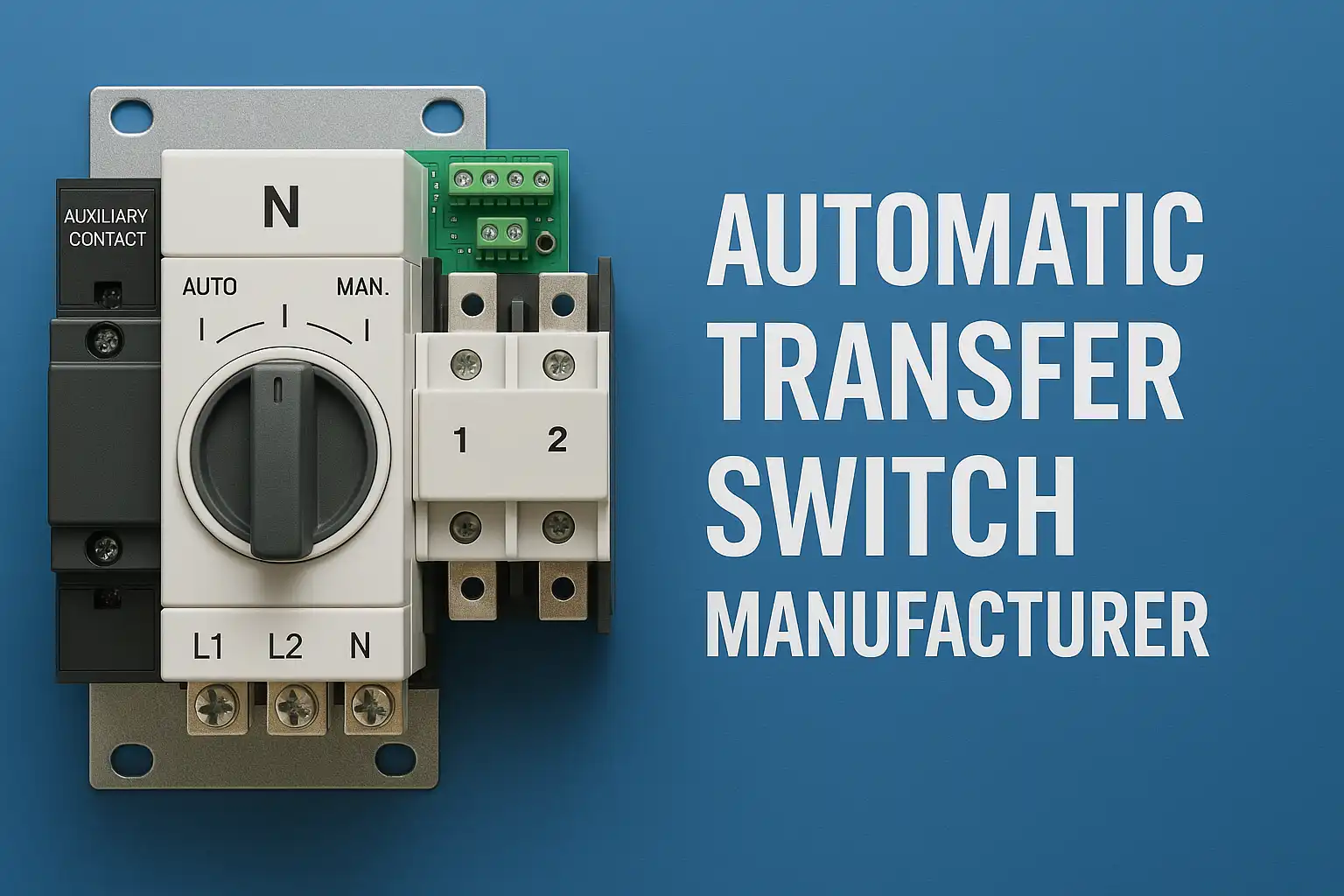
Credit: www.onesto-ep.com
Preparing For Programming
Safetyis the top priority before programming an Automatic Transfer Switch (ATS). Always turn off powerfrom both the main and generator sources. Use insulated tools to avoid electric shock. Wear protective glovesand safety glasses. Keep the work area dry and clean. Never touch live wires or terminals.
Gather all necessary toolsand equipment before starting. These include:
- Multimeter for voltage checking
- Insulated screwdrivers and pliers
- ATS programming manual
- Wire cutters and strippers
- Personal protective equipment (PPE)
Having the right tools ready helps avoid mistakes and saves time. Double-check the ATS model number and manual for specific programming instructions.
Accessing The Control Panel
The control panel is the main point to program the Automatic Transfer Switch (ATS). It holds the interface where settings can be changed. Usually, the panel is found on the front of the ATS unit, behind a protective cover.
The interface often has a small screen and buttons. The screen shows menus and options clearly. Buttons help to move through these menus.
- Use arrow buttons to scroll through options.
- Press the “Enter” button to select a menu item.
- “Back” button returns to the previous screen.
Menus are organized in simple lists. Each option relates to a function like timing, voltage, or test mode. Navigate step-by-step to reach the desired setting.
Setting Transfer Parameters
Setting transfer parametersis key for automatic transfer switches. Start by configuring voltagesettings. Enter the correct voltage range for both utility and generator power. This ensures the switch detects power loss accurately.
Next, set the frequency. Match it to the local power system frequency, usually 50 or 60 Hz. This helps avoid switching at the wrong time.
Transfer delaysprotect your equipment. Set delays to prevent quick switching during short power interruptions. Delays allow the generator to stabilize before the load transfers.
| Parameter | Recommended Setting | Purpose |
|---|---|---|
| Voltage Range | Match local utility and generator voltage | Detect power loss or restoration |
| Frequency | 50 Hz or 60 Hz | Prevent false switching |
| Transfer Delay | 3-10 seconds | Allow generator stabilization |
Programming Control Logic
Setting source prioritiesmeans choosing which power source is most important. The main source usually has the highest priority. The backup source gets a lower priority. This helps the switch decide where to get power first. You can set priorities using the control panel or software. Make sure to test the settings after programming.
Customizing transfer modeslets you decide how the switch moves between sources. Modes include automatic, manual, and delayed transfer. Automatic switch moves power without help. Manual requires a person to change sources. Delayed transfer waits a set time before switching. Choose the mode that fits your needs and power setup. Adjust the delay time carefully to avoid damage.

Credit: moreday.en.made-in-china.com
Testing The Transfer Switch
Manual transfer tests check if the switch works correctly. Turn off the main power source. Then, switch the transfer switch to the generator power. Watch the transfer process closely to ensure it moves smoothly. Confirm that power flows from the generator without interruptions. After testing, return the switch to the main power source. This process helps find problems early. It also keeps the system ready for real power failures.
Monitoring the automatic transfer switch is vital for safety. Check the switch’s control panel often. Look for error lights or unusual sounds. Keep records of every test and event. Use a simple checklist to track performance. Regular checks help spot issues before they get serious. This keeps your home or business safe and powered.
Troubleshooting Common Issues
Error codeshelp identify problems in the automatic transfer switch. These codes appear on the display panel or as blinking lights. Each code means a specific issue, such as low voltage or a communication error. Knowing these codes speeds up fixing the problem.
Indicators often use colors: redfor errors, yellowfor warnings, and greenfor normal operation. Check the user manual for exact meanings. This helps decide if you can fix the issue or need a technician.
Resetting the system clears minor faults and restarts the switch. Turn off the power first. Wait for 30 seconds before turning it back on. This simple step can solve many problems.
- Locate the reset button or switch on the panel.
- Press and hold the reset button for 5 seconds.
- Release the button and wait for the system to reboot.
If errors continue, the switch might need professional service. Regular checks keep the system working well and prevent future errors.
Maintenance Tips
Regular inspections help keep the automatic transfer switch (ATS) working well. Check for any loose connectionsor signs of wear and tear. Cleaning dust and debris from the switch parts prevents malfunctions. Test the ATS by simulating a power failure to see if it transfers power correctly. Record the results to track any changes over time.
Firmware updates are important to fix bugs and improve switch performance. Always use the latest firmware versionfrom the manufacturer’s website. Before updating, back up current settings to avoid data loss. Follow the update instructions carefully to prevent errors. Keeping firmware updated ensures the ATS runs smoothlyand reliably.
Frequently Asked Questions
What Is An Automatic Transfer Switch?
An automatic transfer switch (ATS) is a device that switches power between a primary source and backup generator. It ensures continuous power during outages by automatically detecting power loss and transferring the load.
How Do You Program An Automatic Transfer Switch?
Programming an ATS involves setting parameters like transfer delay, voltage thresholds, and generator start/stop times. Use the ATS control panel or software to input these settings based on your power system requirements.
Why Is Programming An Ats Important?
Proper ATS programming ensures timely and safe power transfer, preventing equipment damage. It optimizes generator usage and reduces downtime during power failures, enhancing system reliability.
Can I Program An Ats Without Technical Skills?
Basic ATS programming can be done using simple menus, but complex settings may require technical knowledge. Always consult the user manual or a professional for safe and accurate programming.
Conclusion
Programming an automatic transfer switch is simpler than it seems. Follow each step carefully for safety and success. Test the switch after programming to ensure it works well. Regular checks keep your system reliable and ready. Clear settings help avoid power problems later.
Stay patient and take your time. This guide helps you control your power source smoothly.