Imagine this: a sudden power outage hits, leaving your home in darkness and your essential appliances non-functional. But instead of scrambling for flashlights or worrying about refrigerated foods going bad, you’re calm and collected.
Why? Because your generator has kicked in, just as you had planned. Setting generator alerts for emergency backup is not just about convenience; it’s about peace of mind and preparedness. By the end of this article, you’ll learn how to ensure your generator is ready to spring into action when you need it most.
Stick around to discover the simple steps you can take to safeguard your home and family against unexpected power failures.
Choosing The Right Generator
Choosing the right generator means understanding types, power needs,and fuel options.There are portableand standby generators.Portable ones are easy to move and good for small needs. Standby generators start automatically and power your whole home.
Power capacity depends on what you want to run during an outage. Small generators work for a few devices. Bigger ones handle entire homes or businesses. Check the wattage of your important devices before choosing.
| Fuel Type | Pros | Cons |
|---|---|---|
| Gasoline | Easy to find, good for short use | Short shelf life, needs regular refilling |
| Propane | Clean burning, longer shelf life | Requires special tanks, less energy dense |
| Diesel | Efficient, good for heavy use | Can be noisy, needs maintenance |
Importance Of Generator Alerts
Generator alertshelp avoid unexpected failures. These alerts warn you of issues early, so you can fix them before a breakdown. This saves time and money by preventing costly repairs.
They help keep a continuous power supply. Alerts notify you if the generator stops or runs low on fuel. This means your home or business stays powered during outages without interruptions.
Safety is very important. Alerts can warn about overheating, low oil, or other dangers. This helps avoid accidents and damage to the generator or property.
Types Of Generator Alerts
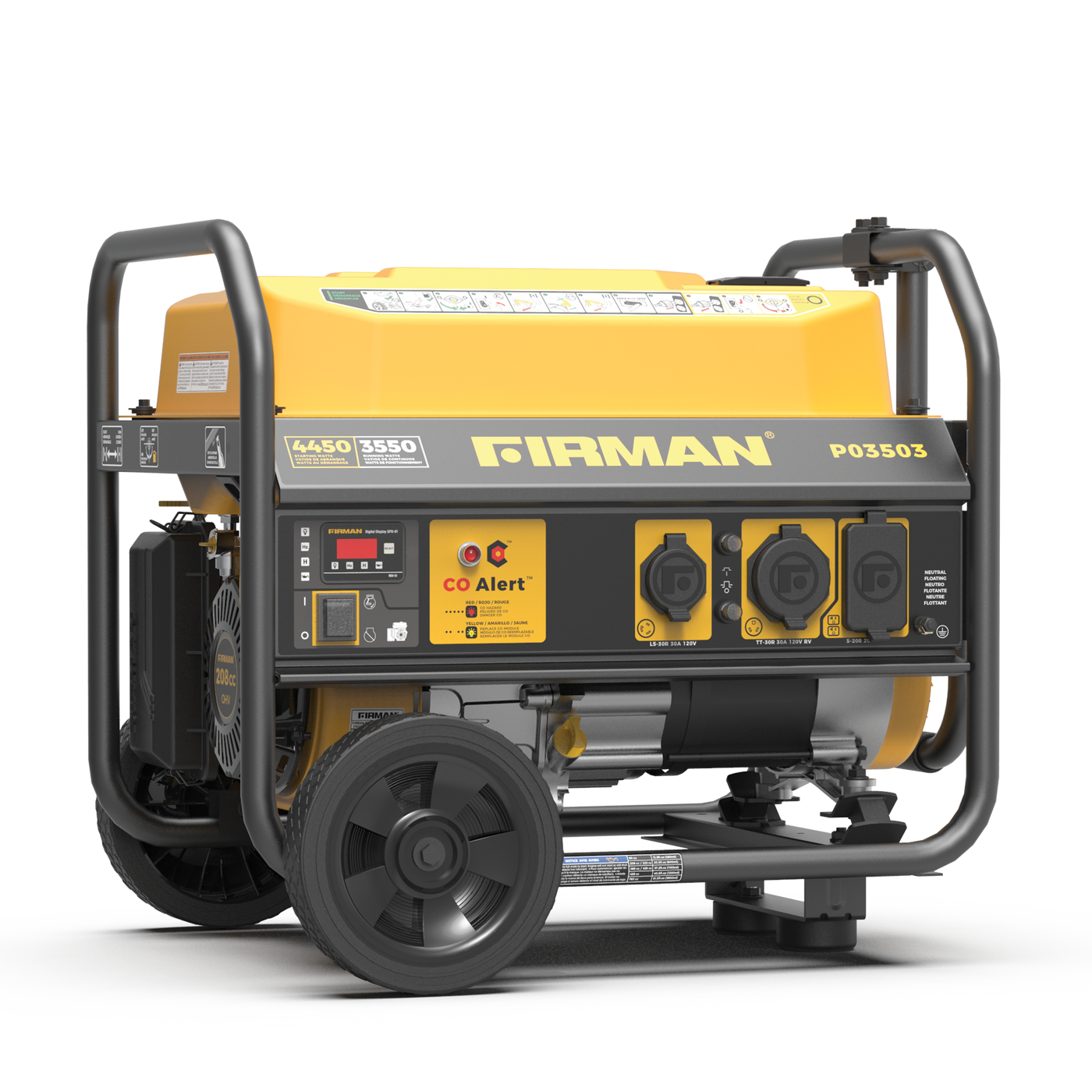
Low fuel alertswarn when the generator’s fuel level is too low. This helps avoid sudden shutdowns during power outages. The alert gives enough time to refill the tank. It keeps the generator running smoothly.
Maintenance reminderstell you when it’s time for routine checks. These alerts help keep the generator in good shape. Regular maintenance prevents breakdowns and extends the machine’s life.
Battery status notificationsshow if the generator’s battery is weak or failing. This alert ensures the generator can start when needed. A healthy battery is key for reliable backup power.
Overload warningssignal when the generator is working too hard. This prevents damage caused by too much load. It helps protect both the generator and connected devices.
Setting Up Alerts Manually
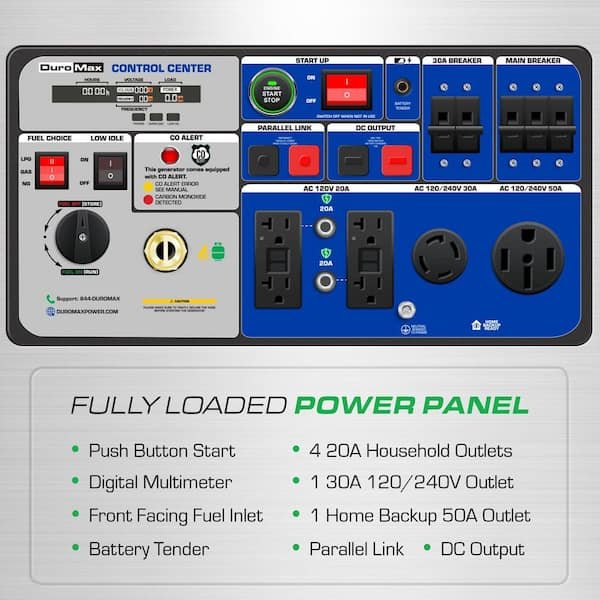
The built-in control panel lets you set alerts easily. Use the menu to find alert settings. You can choose what type of alertsto receive, like low fuel or power failure.
Programming alert thresholds means setting limits for warnings. For example, set a fuel levelalert at 20%. The generator will notify you before it runs out.
Testing alert functions is very important. Press the test button on the panel. This ensures alerts work correctlyand you get notified during emergencies.
Using Smart Monitoring Systems
Wireless monitoring optionsallow easy setup without cables. These systems use Wi-Fi or cellular networks to send alerts instantly. They help track generator status from anywhere. Wireless sensors can detect fuel level, temperature, and power output.
Mobile app integrationmakes alert management simple. Apps show real-time data and send notifications to phones. Users can check generator health anytime. This keeps you informed of any issues quickly.
Remote alert managementlets users control alerts from a distance. You can set alert preferences or silence false alarms through the app. This saves time and avoids unnecessary visits to the generator site.
Credit: firmanpowerequipment.com
Customizing Alert Preferences
Choose the alert typesbased on what matters most to you. Common options include power loss, low fuel, or system errors. Select alerts that help you act quickly.
Set how you want to get notified. Options include email, text message, or phone calls. Pick the method you check often to avoid missing alerts.
Adjust alert sensitivity to avoid too many or too few notifications. Higher sensitivity sends alerts for small issues. Lower sensitivity focuses on major problems only.
Troubleshooting Common Issues
False alertscan happen due to sensor errors or power glitches. Check sensor placement and clean any dirt or debris. Reset the alert system to clear false signals. Test alerts regularly to ensure accuracy.
Connectivity problemscause missed or delayed notifications. Ensure the generator and alert system have a strong network signal. Restart your router or switch to a wired connection if possible. Keep firmware updated to avoid bugs.
Alert delays often result from slow networks or overloaded systems. Limit the number of devices connected to your network. Use priority settings to make alerts faster. Regularly test alerts to spot delays early.
Credit: outboundpower.com
Maintaining Your Generator For Reliability
Checking your generator often keeps it ready for use. Look for any leaks, rust, or loose parts. Test the battery and clean the terminals to ensure good power flow. Listen for strange noises during operation. These checks help avoid sudden failures.
Regular tasks include changing oil, replacing filters, and testing fuel quality. Run the generator under load to make sure it works well. Keep the fuel tank full and use stabilizers to prevent fuel decay. Follow the manufacturer’s schedule closely.
| Record Type | Purpose | Notes |
|---|---|---|
| Inspection Dates | Track when checks were done | Helps plan next inspection |
| Maintenance Logs | Detail oil changes, filter swaps | Shows generator health over time |
| Alert Settings | Note configured alerts and triggers | Ensures timely notifications |

Credit: www.northdeltareporter.com
Frequently Asked Questions
How Do I Set Alerts On My Emergency Generator?
To set alerts, use the generator’s built-in monitoring system or connect a smart device. Customize notifications for fuel levels, maintenance, and power failures. This ensures timely responses during emergencies and keeps your generator ready for backup power.
What Types Of Alerts Should I Enable For Generators?
Enable alerts for low fuel, battery issues, oil pressure, and overloads. These warnings help prevent generator failure and ensure continuous power supply. Setting these alerts improves safety and reliability during emergency situations.
Can I Receive Generator Alerts On My Phone?
Yes, many modern generators support smartphone apps or smart home integration. These apps send real-time alerts via SMS or push notifications. This allows you to monitor your generator remotely and act quickly if an issue arises.
Why Are Generator Alerts Important For Emergencies?
Alerts provide early warnings of potential generator problems. They help avoid unexpected shutdowns during power outages. Timely alerts ensure your backup power system works effectively when you need it most.
Conclusion
Setting generator alerts helps you stay ready during power outages. Alerts notify you quickly about fuel levels and maintenance needs. This keeps your backup power running smoothly and safely. Simple steps can protect your home and family in emergencies. Take the time to set alerts today.
Peace of mind is worth the effort. Stay prepared, stay safe.