
Imagine you’re in the middle of an important task, and suddenly, an incessant beeping disrupts your focus. It’s the UPS alarm—relentless, loud, and demanding your attention.
You’re not alone; many people struggle with these unwelcome interruptions. But what if you could silence those alarms and reclaim your peace and productivity? You’ll discover effective strategies to quiet UPS alarms without compromising the safety and functionality of your equipment.
You’ll learn simple steps that will not only solve your immediate problem but also enhance your understanding of how UPS systems work. Say goodbye to the stress and distraction caused by those alarms, and embrace a smoother, quieter environment. Dive in to uncover how you can take control and restore tranquility to your workspace.

Credit: www.cyberpowersystems.com
Reasons For Ups Alarms
Silencing UPS alarms involves understanding common triggers like battery failure or overload. Regular maintenance and monitoring help prevent unnecessary alerts. Ensuring proper settings and timely updates can minimize disruptions and keep systems running smoothly.
Common Causes Of Alarms
UPS alarms can be confusing. They often occur due to battery issues. Batteries might be old or weak. Overloading is another cause. UPS can’t handle too much load. Loose connections can trigger alarms. These need to be checked. Environmental factors play a role too. Extreme temperatures affect UPS. Keep it in a cool place.
Impact Of Power Fluctuations
Power fluctuations can be harmful. They may cause frequent alarms. Fluctuations can damage devices. UPS tries to protect them. Sudden power surges affect UPS performance. They may lead to shutdowns. Power dips are also problematic. They can cause unexpected alarms. A stable power source is important. It helps prevent UPS issues.
Identifying Ups Alarm Types
UPS devices often have audible alertsto signal issues. These sounds can be beeps or continuous tones. Beeps usually mean the UPS is on battery power. A continuous tone might indicate a serious problem. Listening carefully can help identify the issue. Always check the manual for specific beep codes. Each beep has a different meaning.
Many UPS systems have visual indicatorslike lights. A green light usually means all is well. A red or flashing light might signal a fault. Some UPS have LCD screens. These screens display detailed messages. Always look at the lights when an alarm sounds. They help identify the problem quickly.
Basic Troubleshooting Steps
Ensure the UPS is plugged into a working power outlet. Test the outlet with another device. Check if the outlet is switched on. Inspect the UPS power cable for damage. Replace if it’s worn out or frayed. Confirm the battery is properly installed. A loose battery can cause alarms. Make sure the battery is charged. Dead batteries trigger alerts. Replace them if necessary.
Verify all connected devices are plugged in correctly. Check each cable for secure connections. Loose cables can cause disruptions. Look for any damaged or worn cables. Replace these cables if needed. Ensure no cables are tangled. Tangling can lead to connection issues. Organize cables to prevent accidental disconnections. Proper arrangement helps in easy troubleshooting.
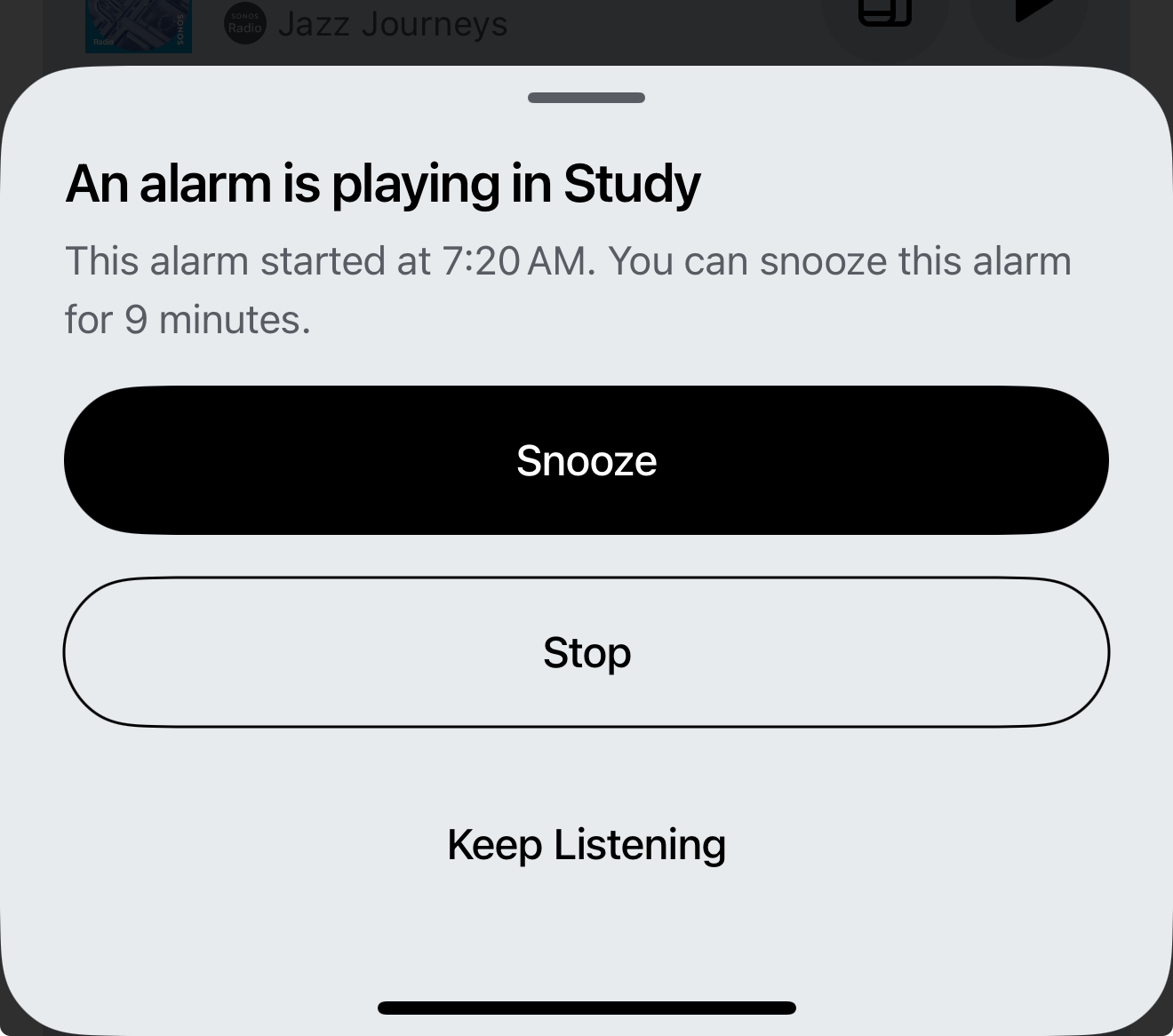
Credit: en.community.sonos.com
Quick Fixes For Silencing Alarms
Silencing UPS alarms can be simple with quick adjustments. Check battery connections and reset any error codes. Adjust settings in the UPS software to prevent unnecessary alarms.
Temporary Mute Options
Most UPS alarms have a mute button. Press it to stop the noise. This button is often found on the front panel. Check your UPS manual to find it. Some UPS models allow you to hold the button longer. This can help silence the alarm for a few hours. Remember, the alarm may beep again when the issue persists.
Battery Replacement
A low battery often causes UPS alarms. Replace the battery to solve this. First, turn off the UPS and unplug it. Open the battery compartment and remove the old battery. Insert the new battery and close the compartment. Plug the UPS back in and turn it on. The alarm should stop if the battery is new and working well.
Advanced Solutions
Silencing UPS alarms can improve your workspace environment. Adjust settings through the UPS software interface. Regular maintenance can also help prevent unnecessary alarms.
Software Management Tools
Some tools help control UPS alarms. These tools are easy to use. They often come with the UPS. Software tools let you set when alarms sound. You can set alarms to be quiet at night. This helps reduce noise when you need it quiet. These tools are handy for small offices or home use.
Firmware Updates
Keeping UPS firmware up to date is important. Firmware updates fix issues with alarms. They improve how the UPS works. Manufacturers often release updates online. You can download them easily. Updating the firmware can solve many alarm problems. Check the manufacturer’s website for updates. Regular updates make sure your UPS runs smoothly.
Preventive Measures
Silencing UPS alarms involves checking the manual for mute options and resetting the alarm settings. Ensure proper ventilation to prevent overheating. Regular maintenance, like battery checks, can help reduce unnecessary alerts.
Regular Maintenance Checks
Regular checks keep UPS alarms silent. Inspect the battery health often. Look for any wear and tear. Test the power output regularly. Ensure all cables are tight and secure. Clean any dust around the UPS. Dust can cause the system to overheat. Check the software updates too. Updates can fix alarm issues.
Optimizing Load Capacity
Balance the load on your UPS. Overloading can trigger alarms. Calculate your total device power needs. Compare it to the UPS capacity. Make sure your UPS can handle it. Remove devices if needed. Too many devices can stress the UPS. Keep the load under control. This stops unnecessary alarms.
When To Seek Professional Help
Persisting UPS alarms might signal deeper issues. Consider professional help if alarms recur or troubleshooting fails. Experts ensure safe, effective solutions.
Identifying Persistent Issues
Some UPS alarms keep going off. This can be very annoying. Persistent alarms may mean big problems. Listen carefully to the sounds. If the noise is constant, it might need a fix. Battery issues can cause alarms. Check if the battery is weak or dying. Overloading can also trigger alarms. Ensure the UPS isn’t handling more than it should. If these problems stay, consider calling an expert.
Choosing A Reliable Technician
Finding a good technician is important. Look for someone with experience. They should know all about UPS systems. Check reviews from other customers. This helps find trusted professionals. Ask friends or family for recommendations. They might know someone reliable. Make sure the technician explains things clearly. Understanding their advice is key.

Credit: www.youtube.com
Frequently Asked Questions
How To Silence Ups Alarm?
Press the “Mute” or “Silence” button on the UPS to stop the alarm. Check the user manual for specific instructions. Ensure all UPS issues are resolved to prevent future alarms.
Can I Stop My Ups From Beeping?
To stop your UPS from beeping, check for power issues or overload. Ensure batteries are properly connected. Disable alarm via UPS software settings or consult the manual for instructions. Regular maintenance can prevent unnecessary beeping.
How Do I Turn Off The Sound On My Ups Apc?
Locate the “Mute” button on your APC UPS. Press and hold it for a few seconds. The alarm sound will turn off. Ensure the UPS model supports this feature. Check the user manual for specific instructions if needed.
How Do I Get My Surge Protector To Stop Beeping?
Check if the surge protector is overloaded or has a faulty battery. Remove excess devices and replace the battery.
Conclusion
Silencing UPS alarms can ease stress and improve focus. Follow the steps outlined to keep your workspace quiet. Regular maintenance ensures your UPS functions smoothly. Check connections and settings often to prevent unexpected alarms. Make sure to replace batteries when needed.
This keeps your UPS reliable and efficient. With these practices, you can enjoy a peaceful environment. No more sudden beeps to disturb your day. Stay alert and proactive for a calm and productive workspace. Your equipment will thank you, and so will your ears.
Remember, a little effort goes a long way in maintaining peace.