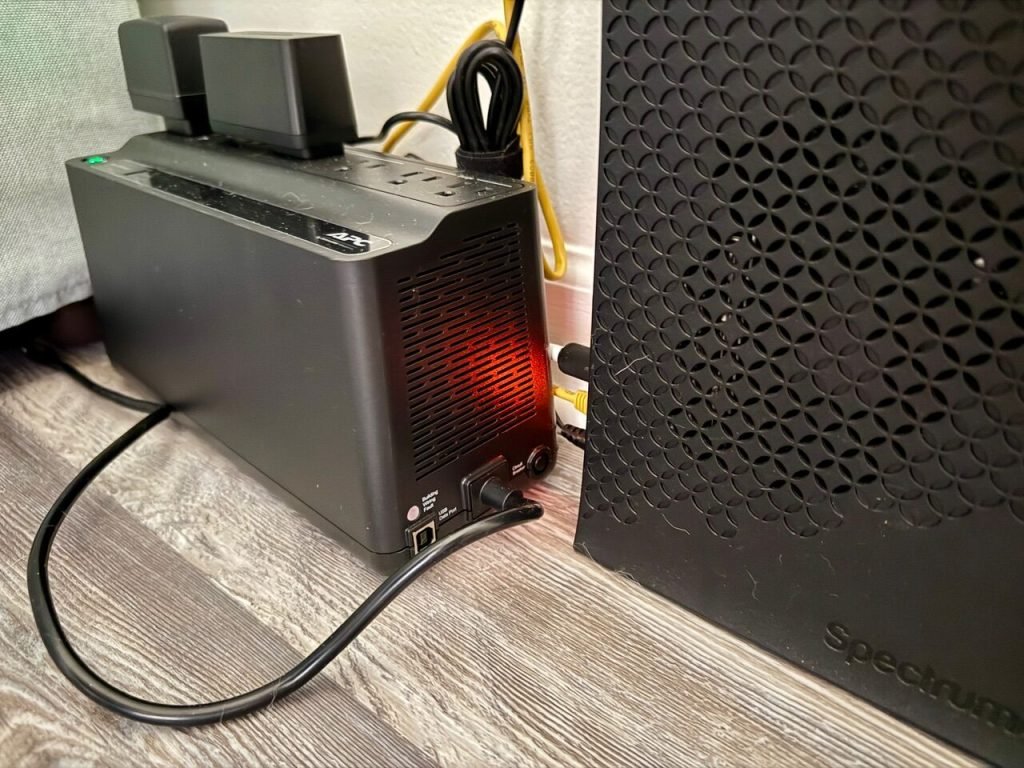
Imagine you’re working on an important project, your computer is humming along, and suddenly—bam—a brownout hits. The lights flicker, your screen goes black, and all your hard work is at risk.
Frustrating, right? That’s where Uninterruptible Power Supply (UPS) devices come into play. They’re designed to keep your electronics running smoothly even when the power supply isn’t. But do these devices really work during brownouts? Are they reliable enough to safeguard your gadgets and data?
You’re about to uncover the truth and find out how a UPS might be your best ally against unexpected power dips. Keep reading to ensure you’re prepared for the next brownout and to learn how to keep your devices safe and your peace of mind intact.

Credit: leaptrend.com
What Is A Brownout?
A brownoutis a drop in electrical power. It is less severe than a blackout. Lights may dim, but they don’t turn off. Brownouts can last for seconds or minutes. They can also last for hours. They often occur during high demand for electricity.
Causes Of Brownouts
Several factors lead to brownouts. High electricity demand is a major cause. It often happens in summer due to air conditioners. Power companies may reduce voltage to avoid blackouts. Equipment failure can also cause brownouts.
Impact On Electrical Devices
Brownouts can harm electrical devices. Devices may not work correctly. Computers might shut down without warning. Lights may flicker or go dim. Some appliances can be damaged by low voltage. Using a UPS devicecan help protect electronics.

Credit: transientspecialists.com
Understanding Ups Devices
UPS devices are like battery backups for your electronics. They keep your devices running during power issues. Power protection is a main feature. It helps protect your devices from sudden power loss. Some UPS systems have voltage regulation. This means they keep power steady. Battery capacity is important too. A bigger battery means longer power supply. Many UPS devices also have multiple outlets. This lets you connect more devices at once. Alarm systems alert you during power problems. They make sure you know when there’s an issue.
| Type | Description |
|---|---|
| Standby UPS | Switches to battery during power loss |
| Line-Interactive UPS | Adjusts voltage and provides battery backup |
| Online UPS | Always provides power from battery |
Ups Performance During Brownouts
UPS devices help protect electronics during brownouts. They adjust the power supply to a safe level. This process is known as voltage regulation. It ensures that devices receive a steady flow of power. Sudden power drops can harm electronic devices. UPS units prevent this by managing the voltage. They keep the power levels stable and safe.
During a brownout, UPS devices switch to battery power. This ensures that devices stay on without interruption. The battery backup is crucial for keeping computers and other electronics running. It provides temporary power until normal electricity returns. The efficiency of the battery determines how long devices can run. A good UPS has a strong battery that lasts longer. It’s important to check the battery life of your UPS regularly. This ensures it will work well when needed.
Choosing The Right Ups For Brownouts
Choosing the right UPS is crucial for brownouts. These devices keep electronics running smoothly during power fluctuations. Consider features like battery capacity and surge protection to ensure reliable performance.
Installation And Maintenance Tips
Choose a stable location for your UPS device. Avoid humid or dusty spots. Connect it directly to a wall socket. Use the correct voltage for your device. Ensure your UPS has enough power for all connected devices. Follow the manufacturer’s instructions carefully during setup. Test the UPS regularly to check its performance. Keep the area around the UPS clear for ventilation.
Inspect the UPS monthly for any damages. Check the battery status regularly. Replace the battery if needed. Clean the UPS to remove dust and debris. Ensure all cables are secure. Update the software when needed. Test the UPS to confirm it works during power outages. Keep a maintenance log for better tracking. Ensure the UPS is not overloaded with devices.
Common Misconceptions
Do UPS devices work during brownouts? Many believe they don’t. In fact, they can provide essential power support. Ensuring continuous operation during voltage dips is their key function.
Ups Vs. Power Surge Protectors
Many think UPS and surge protectors are the same. They are not. UPS keeps devices running during power cuts. Surge protectors guard against voltage spikes. A UPS has a battery to provide power. Surge protectors have no battery. Choosing the right device is key. A UPS helps during brownouts. Surge protectors only prevent damage from spikes.
Battery Replacement Myths
Many people think UPS batteries last forever. This is wrong. Batteries need changing every few years. Some believe replacing batteries is hard. It’s usually simple. Follow the manual for steps. Some think only new batteries work. Used batteries can be fine if healthy. Check battery health regularly. Replace when needed. This keeps UPS working well.
Future Trends In Ups Technology
UPS devices are getting smarter every day. New technologies help manage power better. Energy-efficient systems save battery life. Some models use solar power for charging. This makes them eco-friendly. Wireless connectivity allows remote monitoring. You can check battery status from your phone. Advanced algorithms predict power failures. They switch to backup power faster. Compact designs fit in tight spaces. No more bulky UPS units.
Brownouts can harm electronics. Modern UPS devices handle them well. They stabilize voltage and protect gadgets. Battery management systems extend battery life. They optimize power use during brownouts. Automatic voltage regulators keep power steady. Your devices stay safe. Real-time alerts notify you of power changes. You can act quickly. These features make UPS devices reliable. They keep your home running smoothly.

Credit: transientspecialists.com
Frequently Asked Questions
Is Ups Good For Brownouts?
Yes, a UPS is effective for brownouts. It provides backup power and voltage regulation. This protects sensitive devices from damage. A UPS ensures continuous operation during power fluctuations. Choose a UPS with sufficient capacity for your needs. This helps maintain productivity and prevents data loss.
Does Ups Make The Computer Work When The Electricity Goes Off?
Yes, a UPS provides temporary power to your computer during an electricity outage. It allows safe shutdown or brief continued use. The backup duration depends on the UPS capacity and your computer’s power consumption. Ensure your UPS is properly charged and maintained for optimal performance.
How Does Ups Work When The Power Goes Out?
A UPS instantly supplies power from its internal battery when the main electricity fails. It ensures devices stay operational during outages, preventing data loss and hardware damage. The UPS automatically switches back to grid power once electricity returns, maintaining uninterrupted functionality.
Should I Turn Off Ups During A Power Outage?
Keep your UPS on during a power outage. It protects devices from sudden power loss and ensures a safe shutdown.
Conclusion
UPS devices offer crucial support during brownouts. They keep equipment running smoothly. Protecting your devices from power issues is vital. You avoid potential damage and data loss. A reliable UPS can be your safety net. It bridges power gaps efficiently.
Investing in a UPS ensures peace of mind. Your electronics remain safe and operational. So, during brownouts, trust a UPS to safeguard your devices. It’s a simple solution for complex problems. Make sure to choose the right one for your needs.
Your equipment deserves the best protection. Stay powered and worry-free with a UPS.